
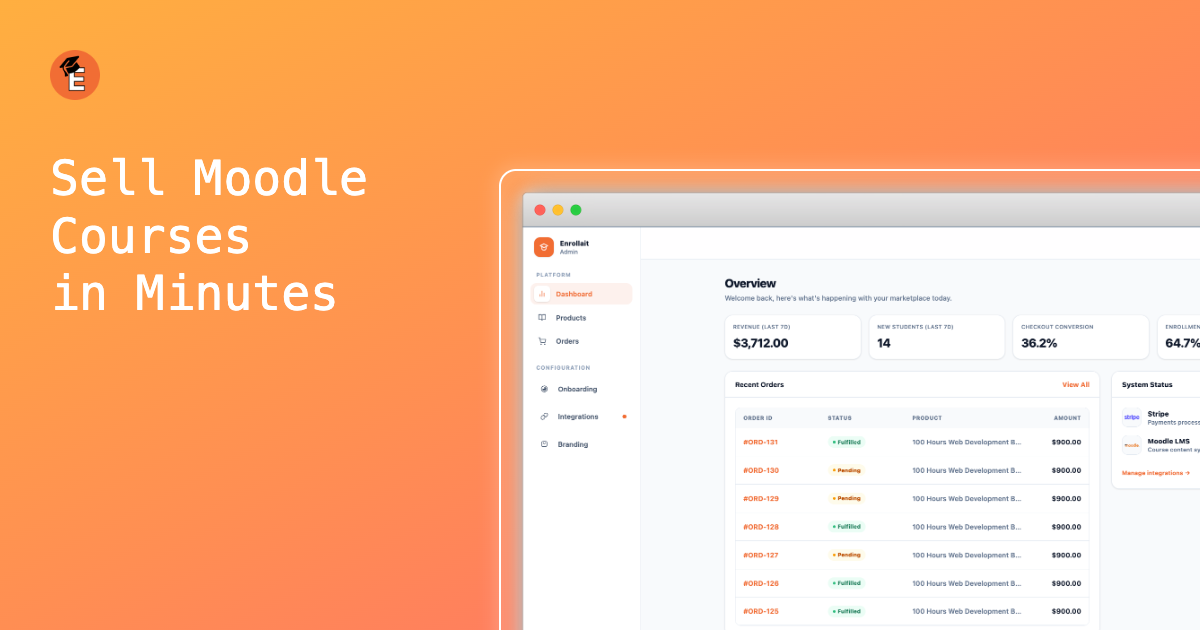
Moodle is excellent at delivery. Selling is where teams usually get stuck: payments, product packaging, and enrollment automation often require extra tools. This guide compares common approaches and explains why Enrollait is typically the most maintainable path for LMS teams.
Key takeaways
Minimize moving parts. Fewer systems means fewer silent enrollment failures.
Make checkout → enrollment deterministic. Payment success should always create access.
Test hidden-course behavior. Enrollait can enroll learners even if a course is hidden; learners will see it once the course is public in Moodle.
Comparison: ways to sell Moodle courses
This table focuses on what matters to LMS teams: maintenance, speed to launch, and whether a payment becomes access automatically.
| Option | You maintain | Setup speed | Auto-enroll | Best for |
|---|---|---|---|---|
| Enrollait | Moodle + Enrollait | Fast | Yes | Most Moodle sellers |
| WordPress + WooCommerce + bridge | Moodle + WordPress + plugins | Medium–Slow | Usually | Teams already on WordPress |
| Packaged platforms | Moodle + platform constraints | Medium | Depends | If the model matches your flow |
| Custom build | Everything | Slow | Yes (if done well) | Large teams |
Why Enrollait is the best option for most Moodle teams
Enrollait is built around one outcome: sell → create account → enroll. You don’t need to add WordPress just to get a storefront and a checkout flow, and you don’t need to glue together multiple plugins to keep access control working.
What’s simpler about it
No extra CMS stack required. You avoid another site, database, plugin ecosystem, and caching layer.
Direct Moodle integration. Web services + token + defined functions.
Stripe-native payments. Clean payment flow, then deterministic enrollment.
The winning setup is the one you can keep stable. A smaller stack usually beats a “powerful” stack that breaks.
Where WordPress + WooCommerce + bridge still makes sense
The WordPress approach can be a reasonable choice if you already have a mature marketing site and the team to maintain it. But for many Moodle sellers, the ongoing maintenance is the deal-breaker.
- Best case: You already run WordPress for marketing and have someone maintaining plugins and hosting.
- Tradeoff: You maintain a second site, plus bridge sync behavior, plus plugin compatibility over time.
- Common failure mode: checkout succeeds, but enrollment is delayed or silently fails due to sync/plugin issues.
What to test before you commit to any platform
Whichever path you choose, test the real workflow end-to-end. Course selling breaks when “payment” and “access” aren’t tightly connected.
Successful payment: learner gets access instantly and lands in the right Moodle course(s).
Failed payment: no enrollment occurs and the learner gets clear messaging.
Existing learner: the system matches the Moodle user and avoids duplicates.
Hidden vs visible courses: verify what the learner sees immediately after purchase.
Email deliverability: onboarding email arrives quickly and explains next steps clearly.
Tip: A “working demo” is not the same as a reliable system. The best setup is the one that stays stable after updates.
Conclusion
If your goal is to sell Moodle courses with minimal maintenance, the simplest stack wins. Enrollait is built to make checkout → access reliable without adding a second platform just to run ecommerce.
FAQ
Do I need WordPress and WooCommerce to sell Moodle courses?
No. It’s common, but it adds another platform to maintain. An LMS-first flow can connect directly to Moodle, process payments, and automate enrollment without an extra CMS stack.
Can students be enrolled if a Moodle course is hidden?
Yes. Enrollait can enroll learners even if a course is hidden. Learners will see the course normally once you make the course public/visible in Moodle.
What should I test before launching?
Test successful + failed payments, enrollment timing, email delivery, and the learner experience for hidden vs visible courses.